Latest product updates
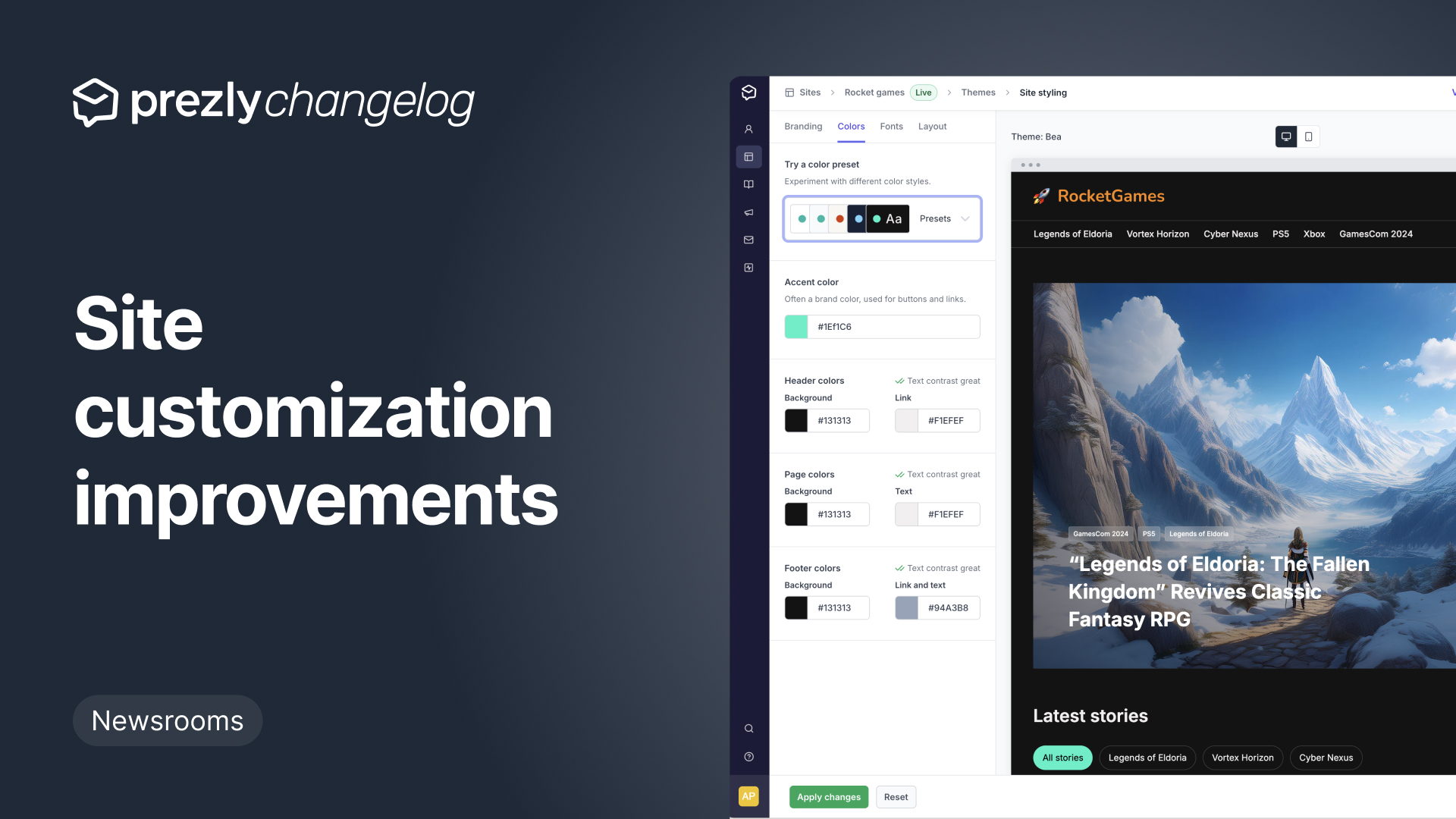
Better email personalization, link insertion, and unsubscribe options
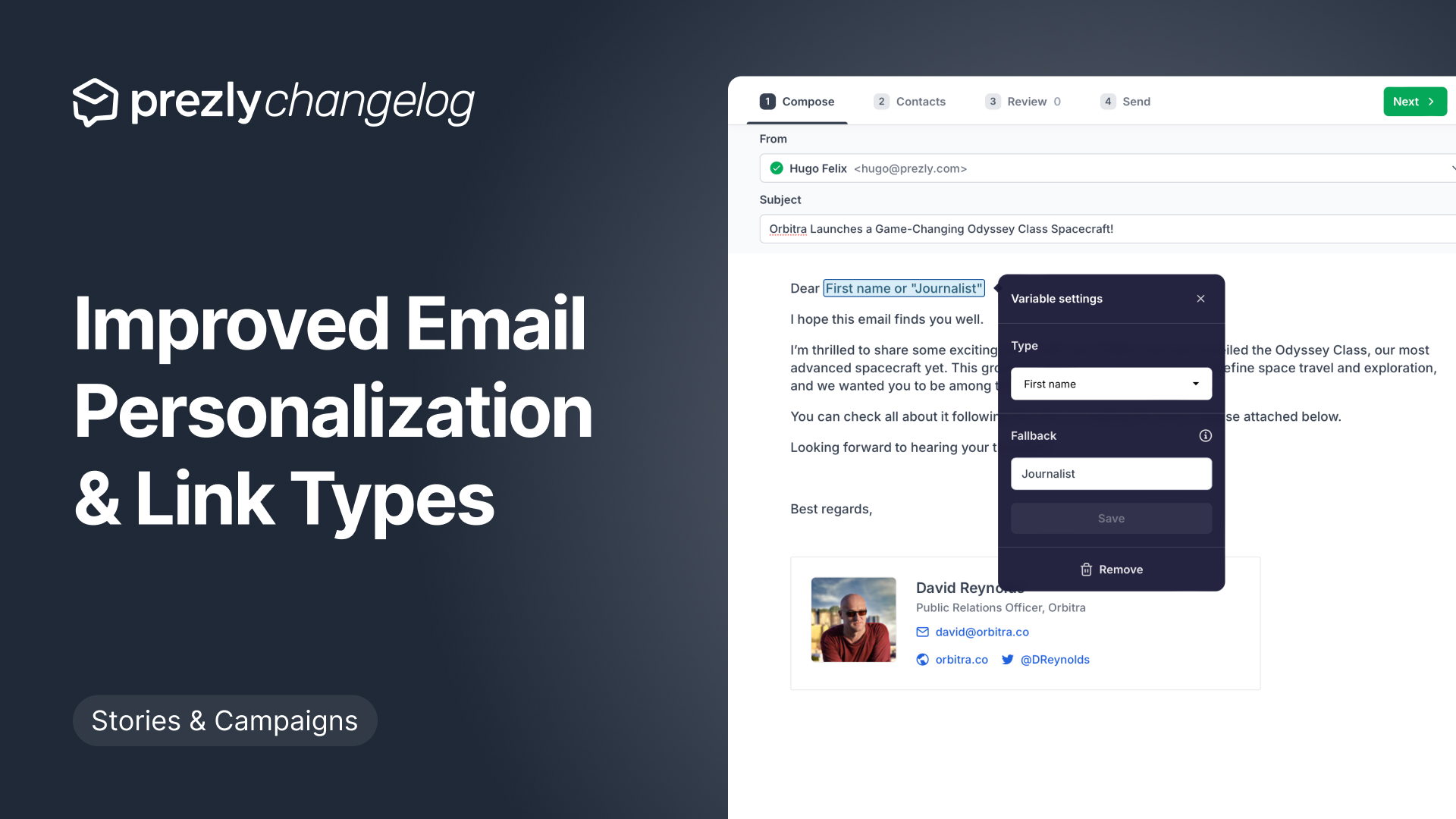
Coverage now available in Core Plan plus introducing "coverage bookmarks"
We’re always trying to make Prezly better for you. This time, we’re making some important changes, mostly to one of our main features – Coverage.
Get product updates directly in your inbox!
Subscribe, be the first to know about new feature releases, product enhancements, design updates, and bug fixes.

New floating action bar for selectable grids
Performing actions in selectable grids is now easier than ever thanks to this brand new floating action bar.
Manage contact tags better with tag groups
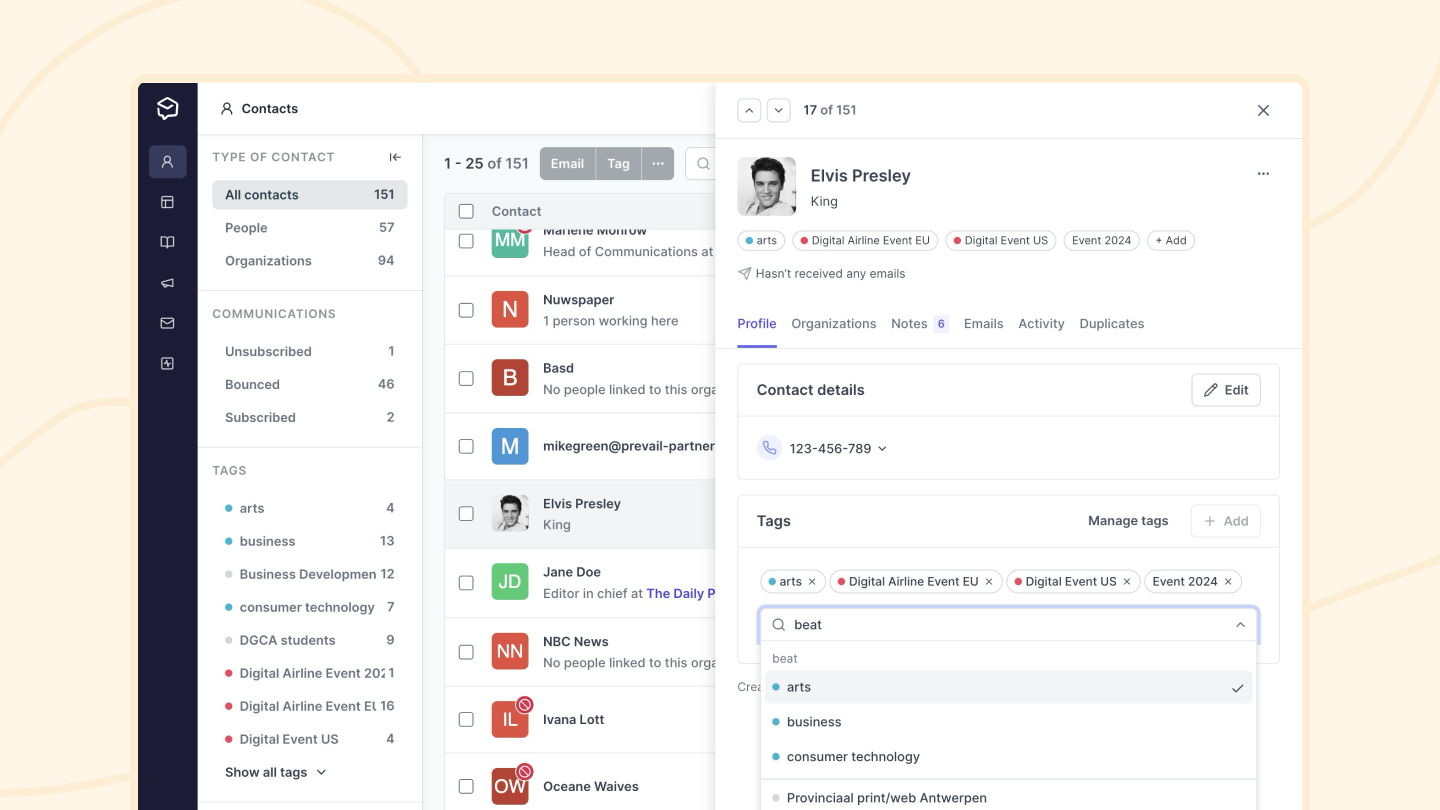
We've introduced grouping to contact tags to help you manage tags and make it easier to find the tags you want to faster in tag pickers for both contacts and also advanced filters.
Grouped tags are shown first in the manage tags screen and in pickers and filters alphabetically.
Improved site style settings (now with live preview!)
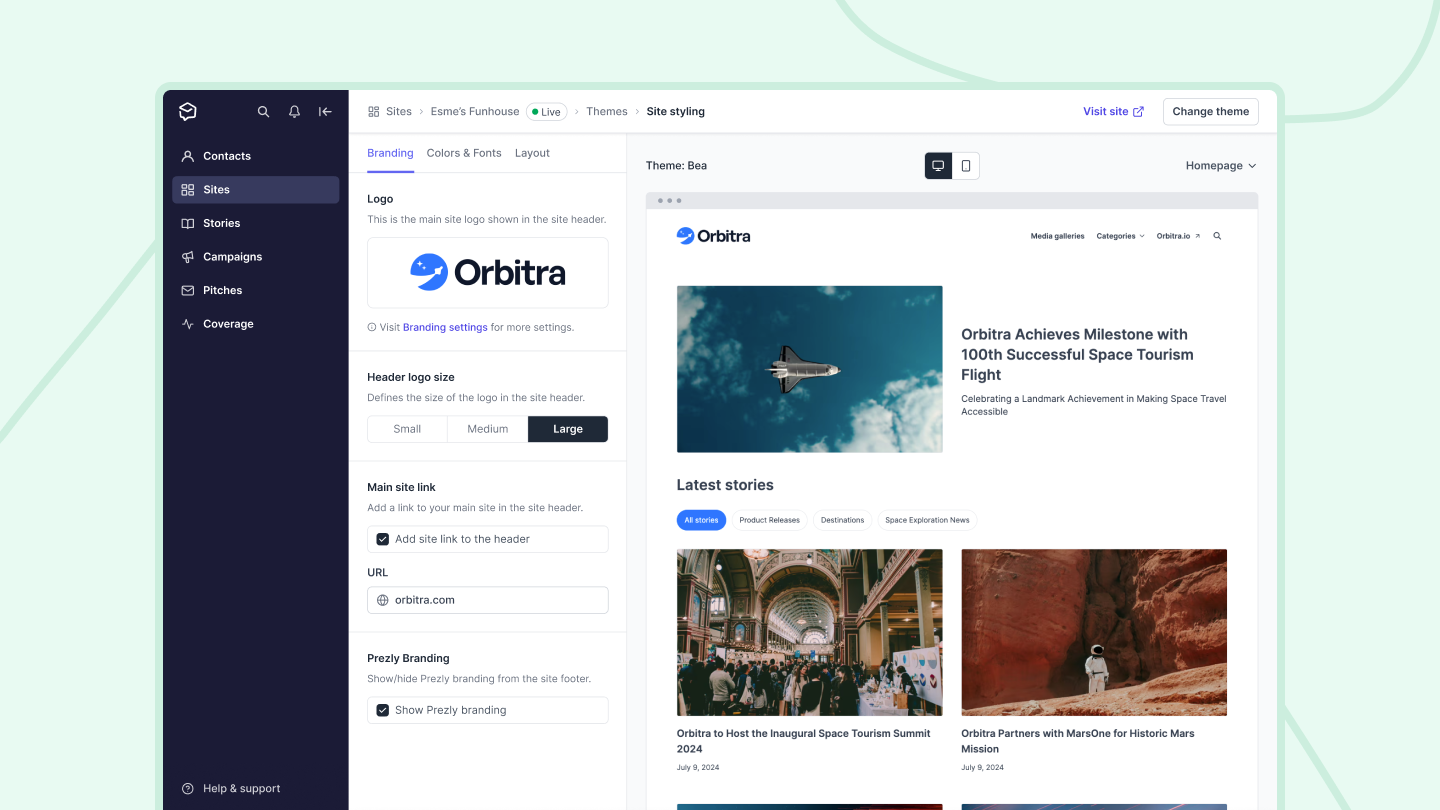
Up until now, editing the style of your site/newsroom required you to click through multiple settings pages to do things like tweak your logo, adjust your site colors, or preview site content.
Today's release brings all your style settings into one place.
Software for people
who care about PR.
Manage your stories, media contacts, and pitches in one place.
Try Prezly yourself or let us show you around.
14-day free trial. No credit card required.